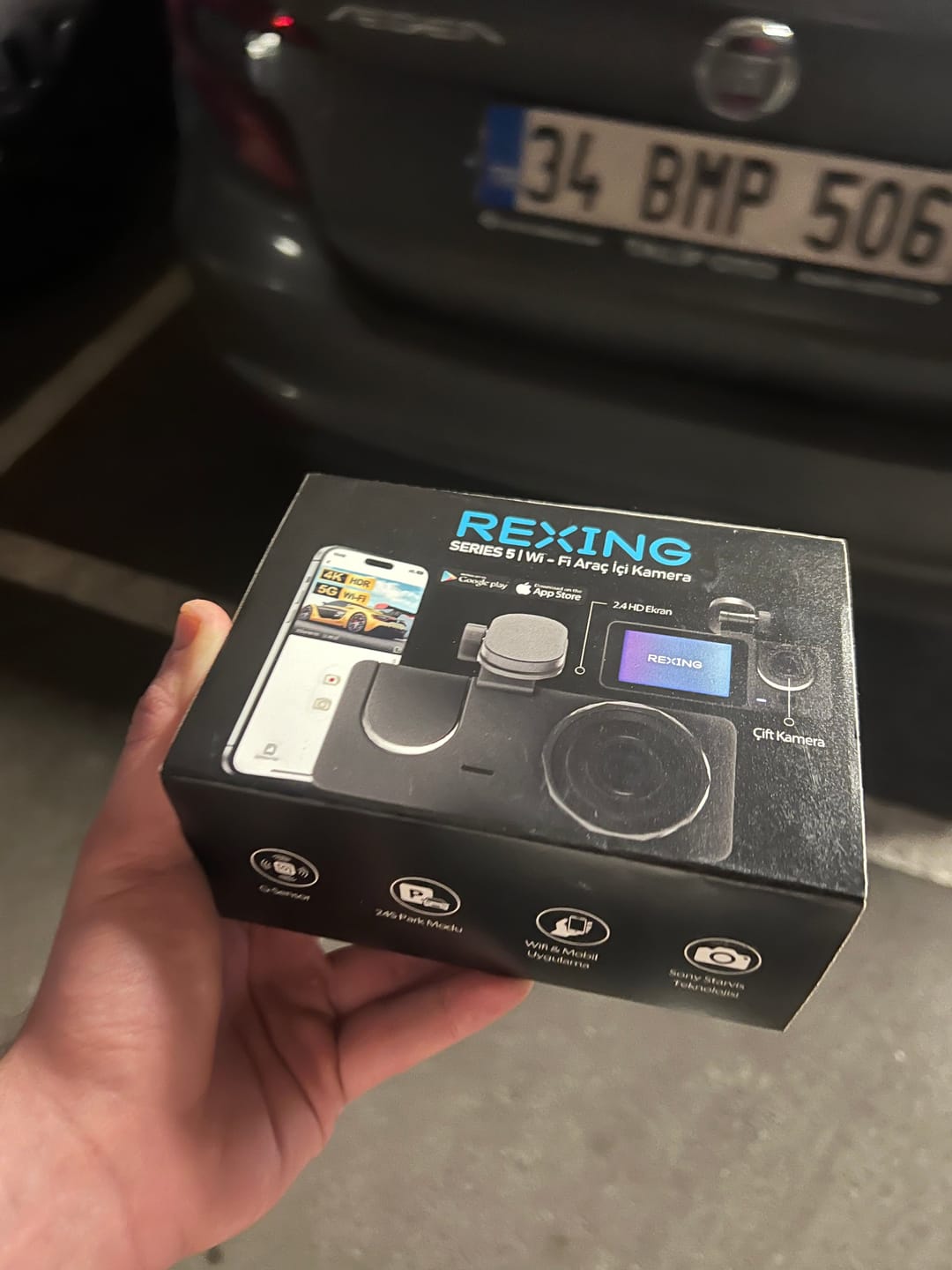
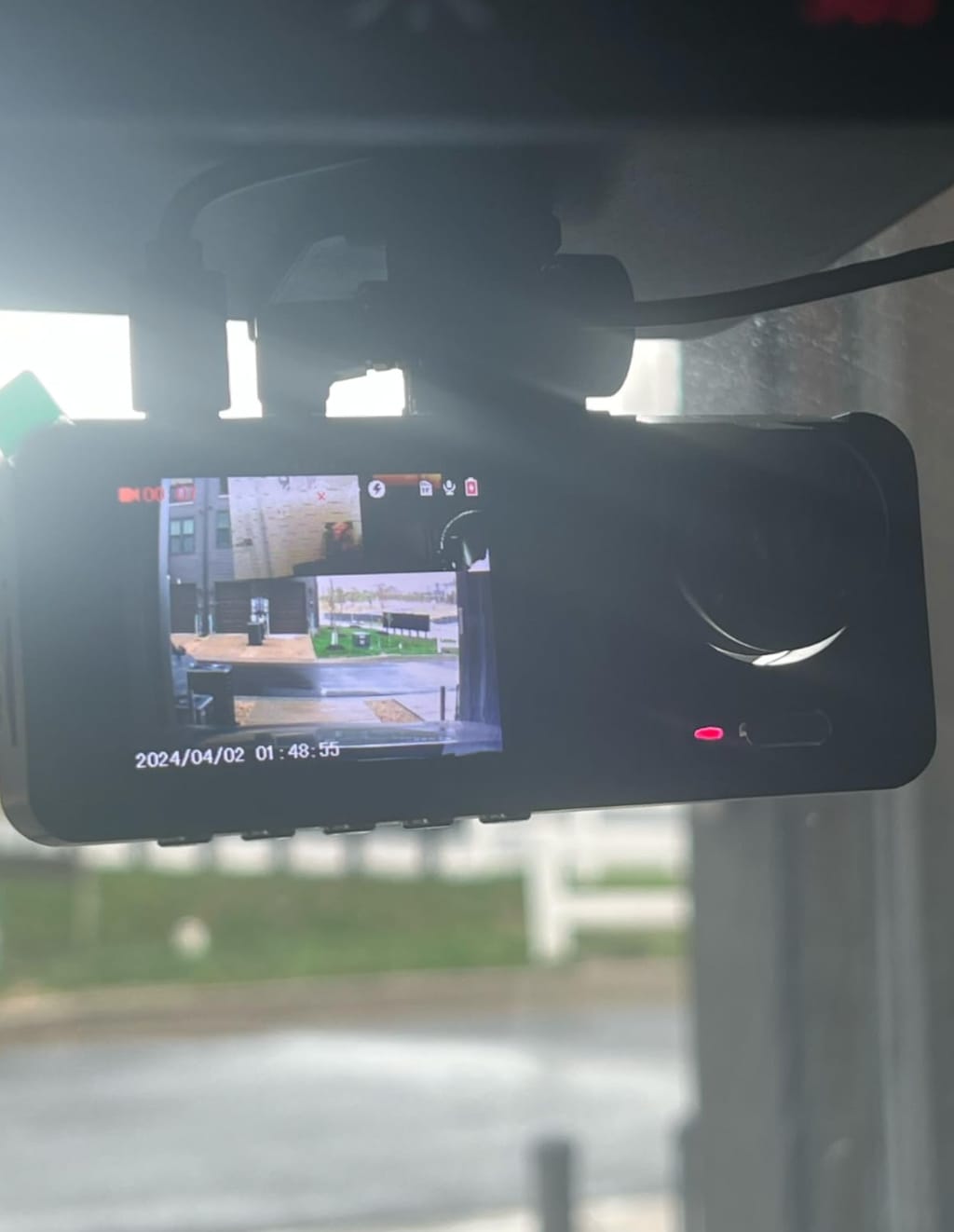
Step 1 – Fit the mount to the camera.
Slide the suction mount onto the camera and stick it to the windshield just below the mirror.
Step 2 – Connect the power cable
Take the Type-C and 12V socket adapter from the box, connect the power cable to whichever suits your car — the 12V socket or the Type-C port — then run the cable to the camera.
Step 3 – Install the phone app
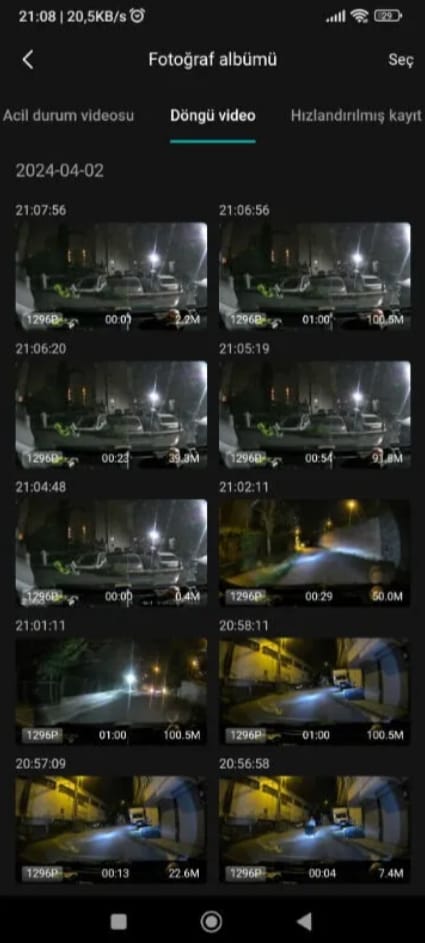
Scan the QR code from the box with your camera, download the app and pair the device to your phone over Wi-Fi.
Step 4 – You're ready to drive.
Set it up once and your dash cam powers on automatically the moment you turn the ignition on, then drops into parking mode when you switch off. Every mode can be adjusted from the app.